
DreamUp
On Google Play as “DreamUp: AI Photoshoot & Art”
Turn a selfie into an AI photoshoot, or a few words into art.
About DreamUp
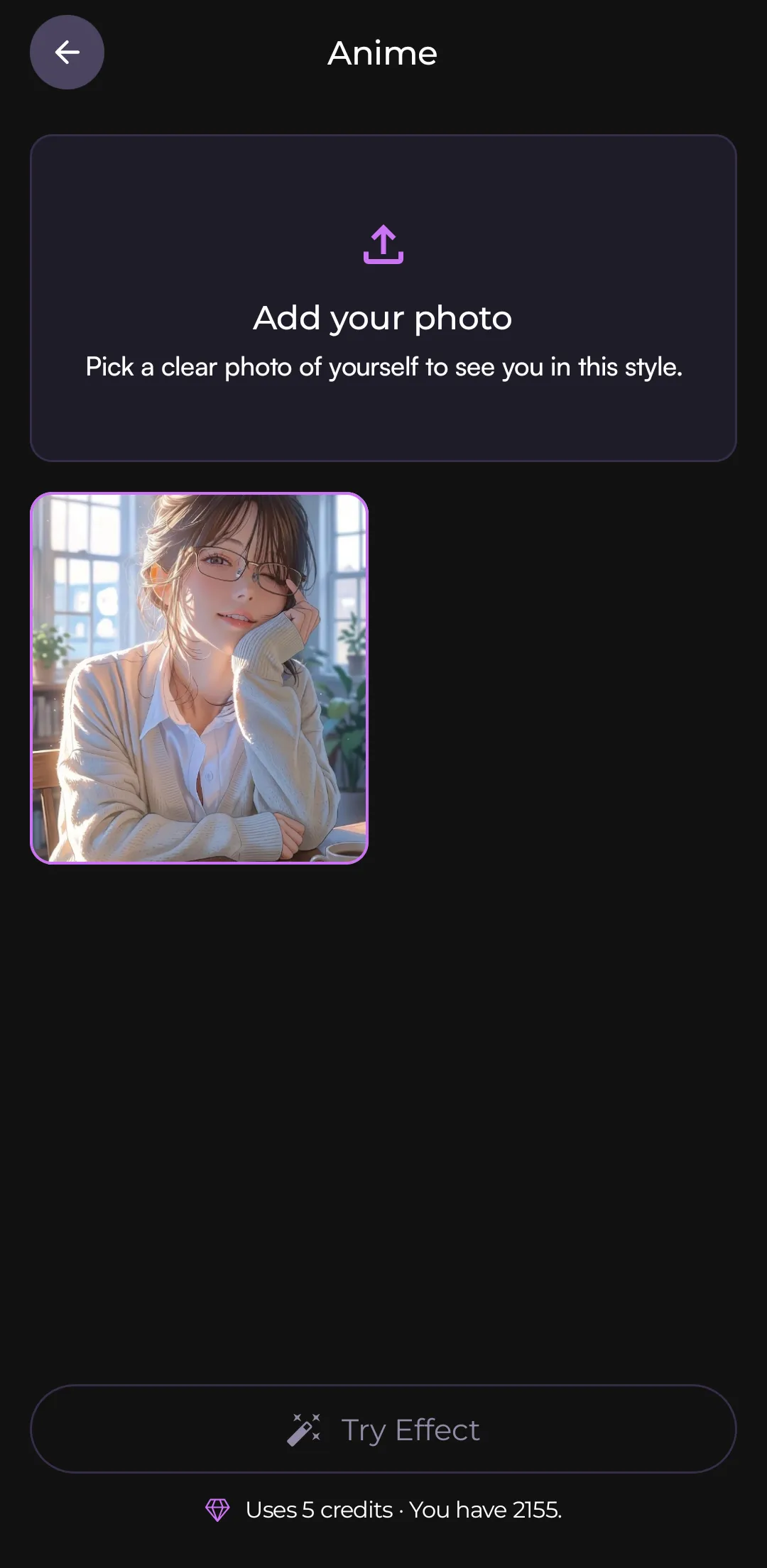
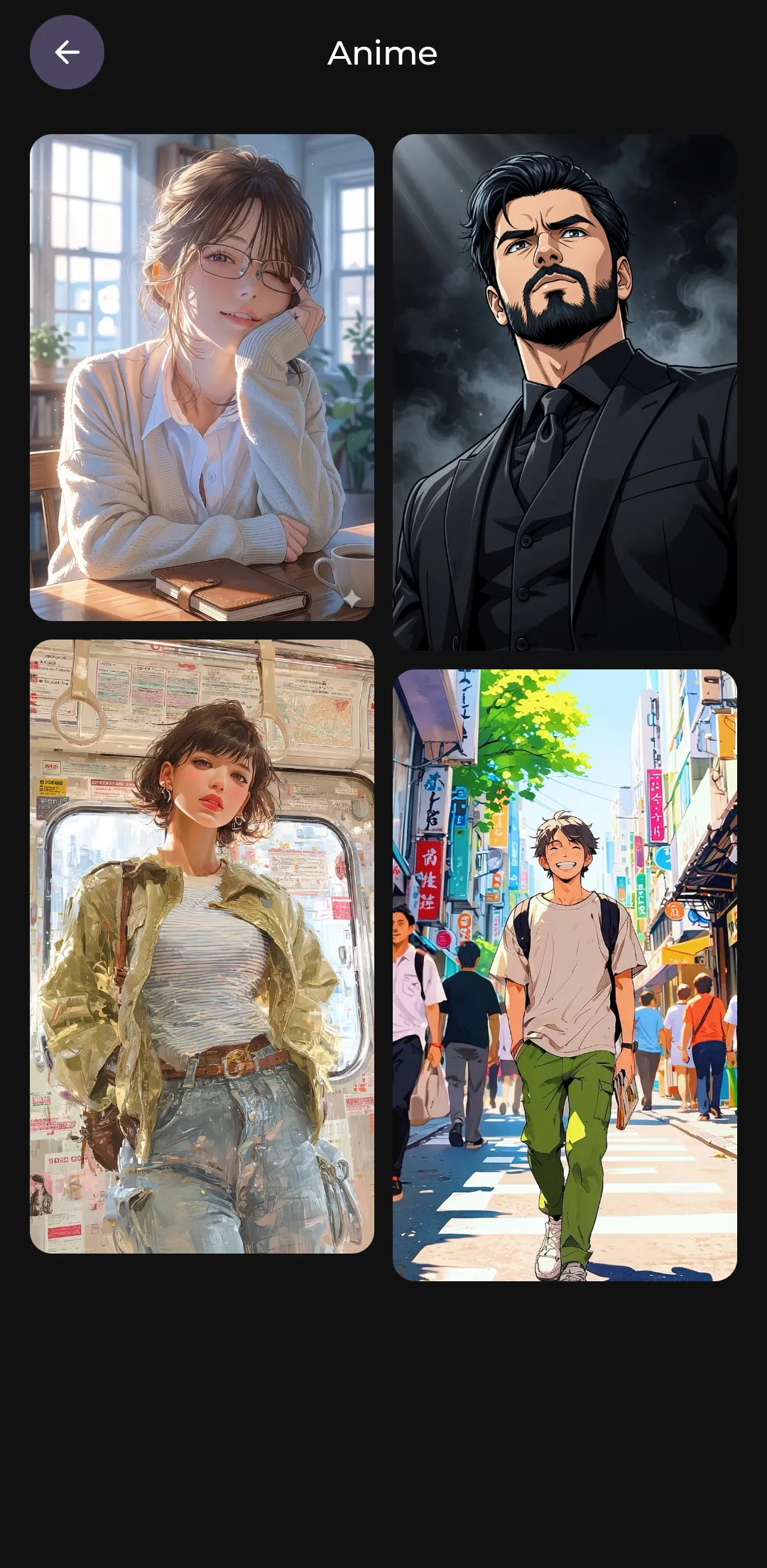
DreamUp turns an everyday selfie into an AI photoshoot. Pick a style (professional headshot, anime, old money, gym, idol magazine cover, 1920s vintage and more), add a clear photo of yourself, and DreamUp reimagines you in it.
It also creates original images from a text prompt, in the style and shape you choose, makes blurry or low-resolution photos sharper, and cuts any subject out of its background.
Results are made in the cloud: your photo or prompt is sent to DreamUp’s server and its AI partners to create the image, and our server doesn’t keep it. Generations use credits; some tools are free if you watch an ad, and credits and premium plans are bought through Google Play. No sign-up is needed to start; signing in with Google keeps your credits and creations with your account.
- Category
- Art & Design
- Price
- Free
- In-app purchases
- Yes (credits, premium)
- Ads
- Contains ads
- Processing
- In the cloud
- Platform
- Android
- Developer
- TriCode Studio
Features
What DreamUp does
AI photoshoots
Choose a style and add your photo: professional headshots, anime, old money, gym, idol covers, 1920s vintage, cinematic and more.
Text to image
Describe anything and pick one of 15 styles and five shapes, from portrait to wide.
Upscale and enhance
Make blurry, low-resolution or old photos sharper and larger.
Remove background
Cut any subject out of its background for a clean result.
New styles without updates
Style categories live on DreamUp’s server, so new looks can appear without installing an update.
Save and share
Keep your results on your phone and share them anywhere.
Legal
How DreamUp handles your data, and the terms for using it.
More from TriCode Studio


