TriCode Studio makes focused apps for Android, Mac and Windows. Murmur writes your meeting notes without uploading a word. Quick Switch moves everything to a new phone without the internet. None of them asks you to make an account.
Murmur records both sides of any call, transcribes it on your computer, tells the speakers apart and writes the notes. Nothing is uploaded, and there’s no account to make.
Both sides of any call. Zoom, Meet, Teams or a phone call through your laptop. No bot joins the meeting.
Transcribed on your computer. Speech recognition runs on your Mac or PC, live, even in airplane mode.
Knows who said what. Your side is labelled You; other voices are told apart, and remembered once named.
Notes that write themselves. Key points and action items, with who owns each one and when it’s due.
A summary you can check. A small AI model on your computer links every point to the moment it was said.
Free for 14 days, then $79 once or $8 a month. Apple Silicon Mac, macOS 14.2 or later, or Windows 10 or 11 (64-bit). Download not starting? Try the mirror.
Weekly syncNotes ready
Transcript live
Sara0:04
The launch moved to the fourteenth, so design needs final screens by Friday.
You0:11
I can take the onboarding copy this week.
Others0:16
Can someone check the numbers on the pricing page?
You0:21
I’ll send the final numbers tomorrow.
Key points
Launch moves to the 14th0:04
Final design screens due Friday0:04
Action items
Onboarding copyYou · This week
Send final pricing numbersYou · Tomorrow
Written on this Mac. Nothing uploaded.
The real app: a meeting’s key points and action items, each linked to the moment it was said.AI summary (beta), written on the Mac by a small local model.
Our Android apps
Small apps that each do one job well.
All free to download on Google Play, and none of them asks you to sign up.
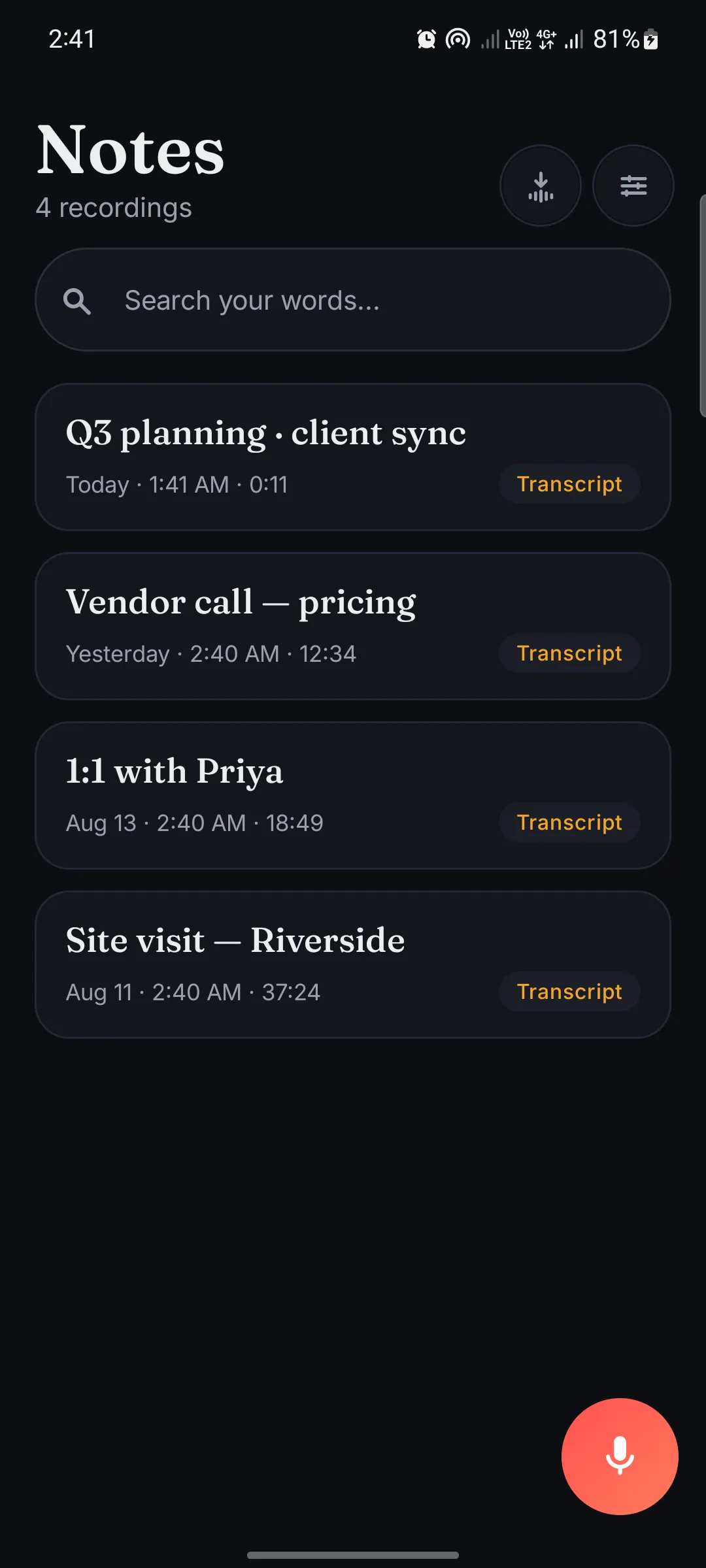
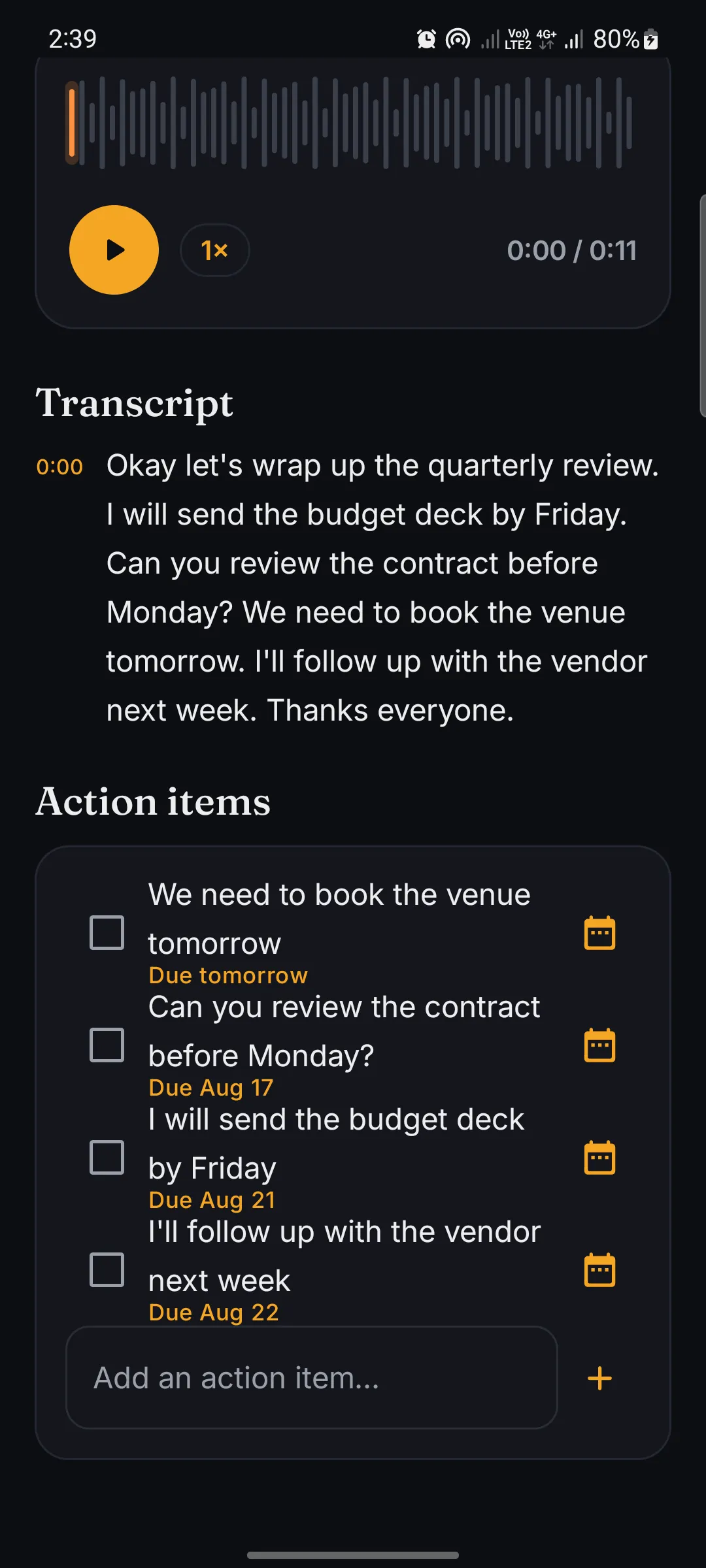
Record a meeting or a thought and Murmur types it out on your phone, in 99 languages, with action items and reminders. The audio never leaves your device.
Test download, upload and ping, and NetPulse tells you what your connection is good for. A Full test also times real websites and video, and data plan alerts warn you before your mobile data runs out.
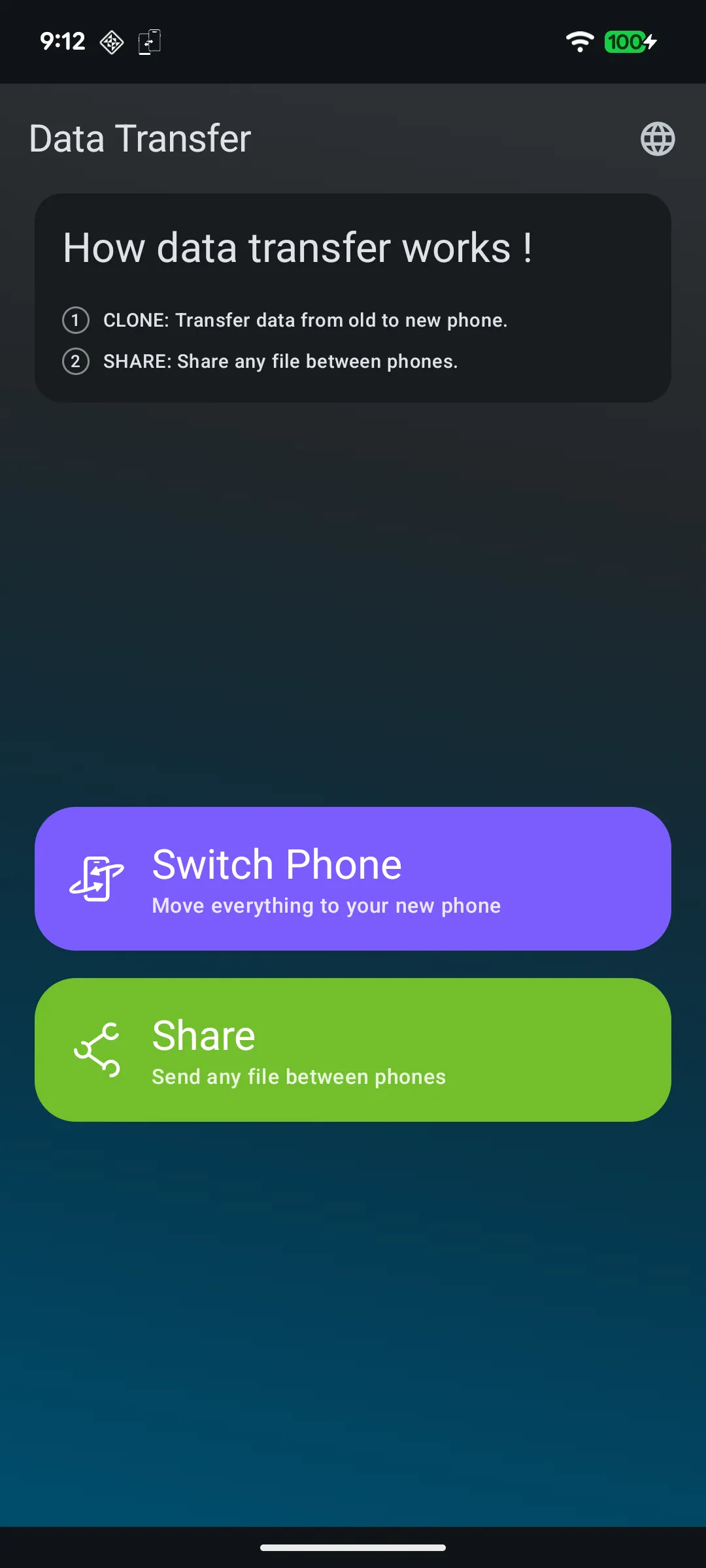
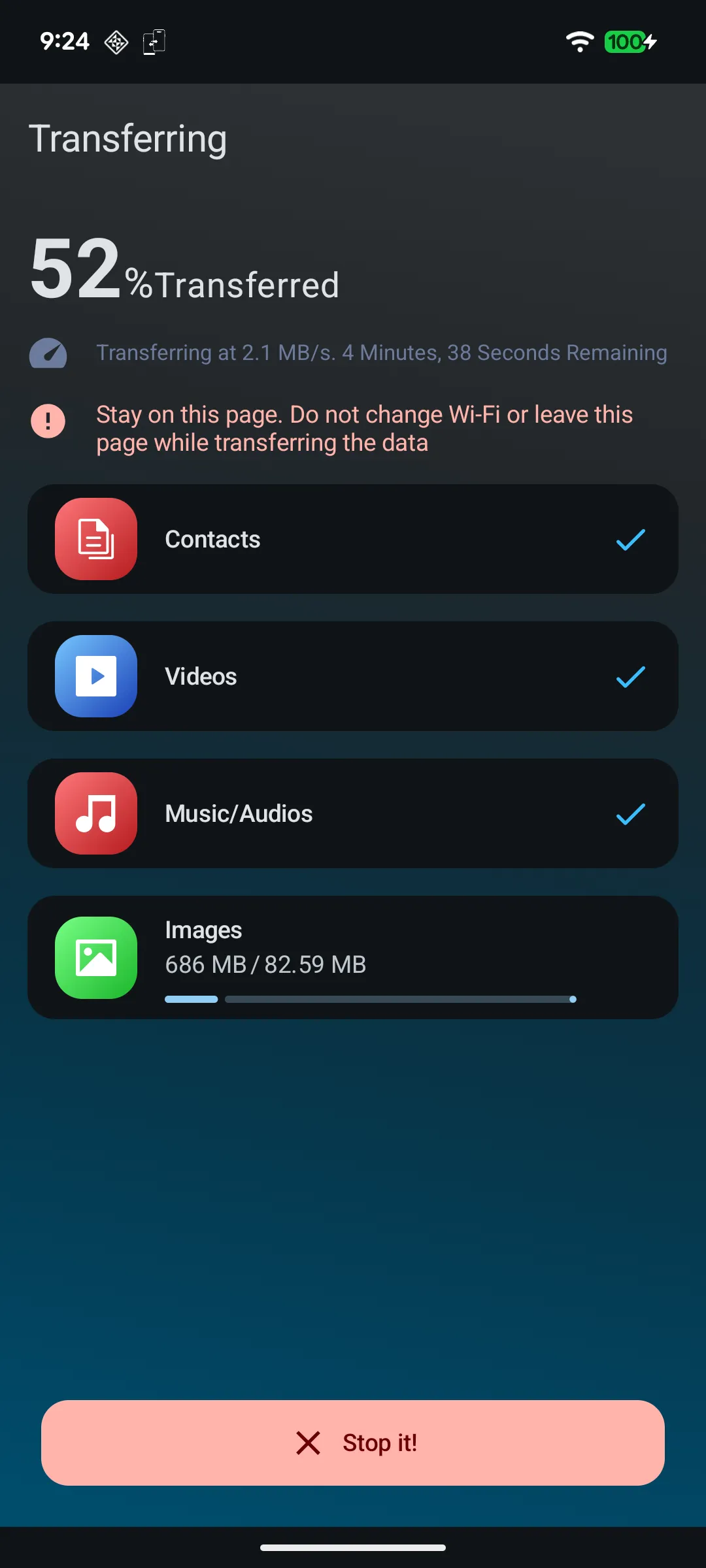
Recordings, notes and files stay on your own device. Murmur transcribes without uploading a word, and Quick Switch sends files straight from one phone to the other, never through our servers.
02
No account, ever.
You shouldn’t need a password to clean a speaker. Open the app and it works: no sign-up, no profile, no email address to hand over.
03
One job, done properly.
Each app does one thing well, without menus full of features you didn’t ask for. And when something breaks, you can email the people who built it.
On-device AI, measured
99languagesMurmur for Android transcribes offline, on the phone
~1minutefor Murmur to summarise a 40-minute meeting on a recent Mac
0bytesof your recordings uploaded, by any of these apps
No. None of these apps asks you to sign up. Murmur for Mac and Windows uses a licence key that arrives by email when you buy it, with no account behind it.
Are the apps free?
The Android apps are free to download. Quick Switch, WaveClean, Math Explorer and NetPulse show ads. WaveClean has optional in-app purchases, and NetPulse’s ads can be removed with one payment or a yearly plan. Murmur for Android has no ads; Murmur Pro unlocks unlimited transcription. Murmur for Mac and Windows is free for 14 days, then $79 once or $8 a month.
Does Murmur upload my recordings?
No. On Mac, Windows and Android, recording, transcription and notes all happen on the device. Murmur for Mac and Windows goes online only to download its models, to check your licence and, if you leave it on, to check for updates. The details are in its privacy policy.
Is Murmur on Windows?
Yes, from the Microsoft Store, where it is listed as Murmur Meeting Notes. A Murmur licence covers up to three of your own computers, Mac and Windows mixed.
Where are your privacy policies?
Every app’s privacy policy and terms are listed on the legal page.
How do I get help?
Email support@tricodestudio.com. Tell us which app and which phone or computer you use, and what happened.
About the studio
A small studio you can actually reach.
TriCode Studio is independent. We build the apps we want on our own phones and computers, and the people who write the code answer the support email. Questions, bugs or ideas: write to us.